Install and connect
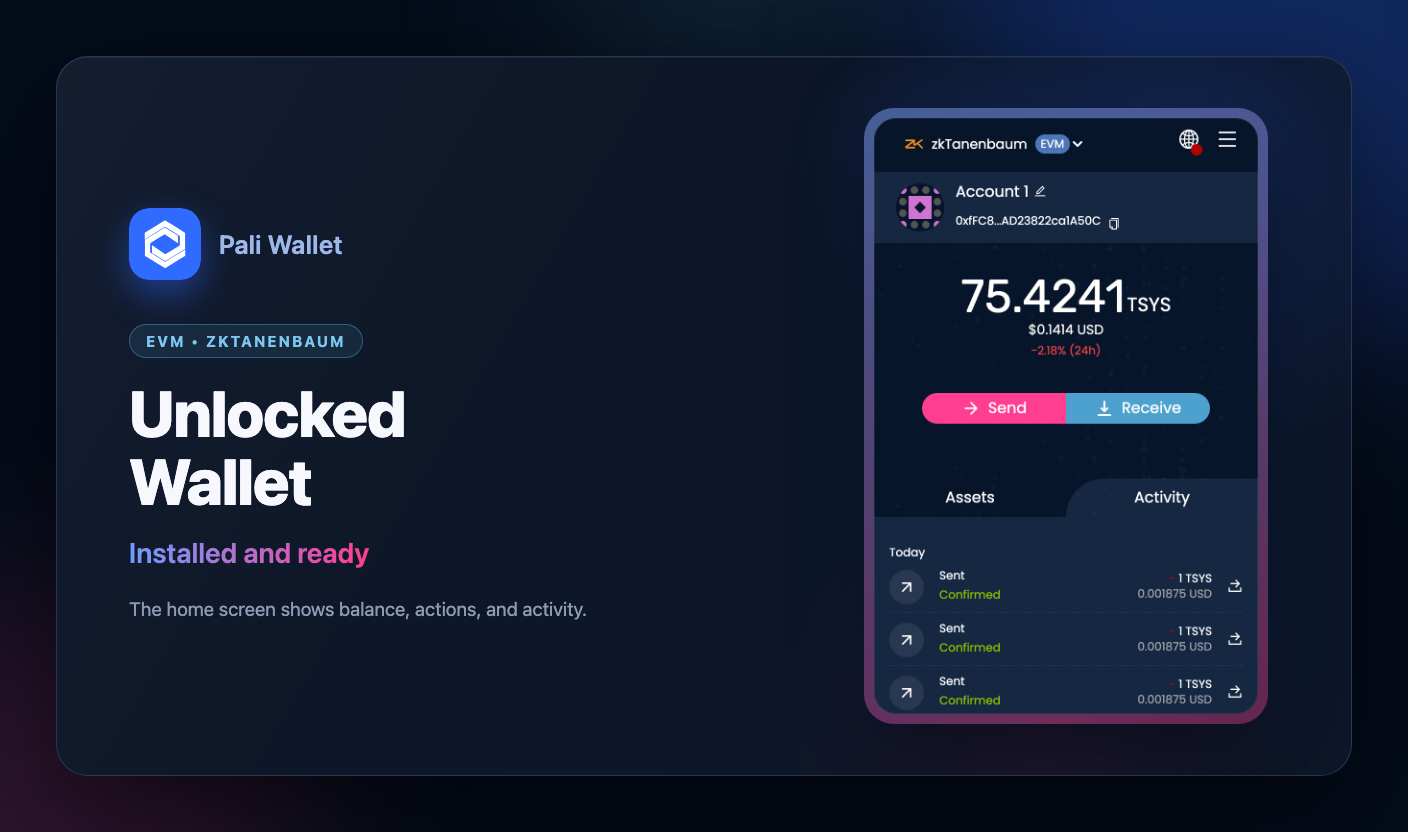
Install Pali as a browser extension, unlock it, and open a dapp. Pali injects providers into top-level pages so applications can request accounts and actions.
Detect Pali
Use EIP-6963 when available for EVM integrations. It lets users and dapps distinguish Pali from other wallets even when multiple extensions inject providers.
const providers = [];

window.addEventListener('eip6963:announceProvider', (event) => {
  providers.push(event.detail);
});

window.dispatchEvent(new Event('eip6963:requestProvider'));

const pali = providers.find(({ info }) => {
  const name = info.name.toLowerCase();
  const rdns = info.rdns.toLowerCase();
  return name.includes('pali') || rdns.includes('pali');
});
For UTXO and Syscoin flows, check window.pali.
if (!window.pali) {
  throw new Error('Pali UTXO provider is not available.');
}
Connect EVM accounts
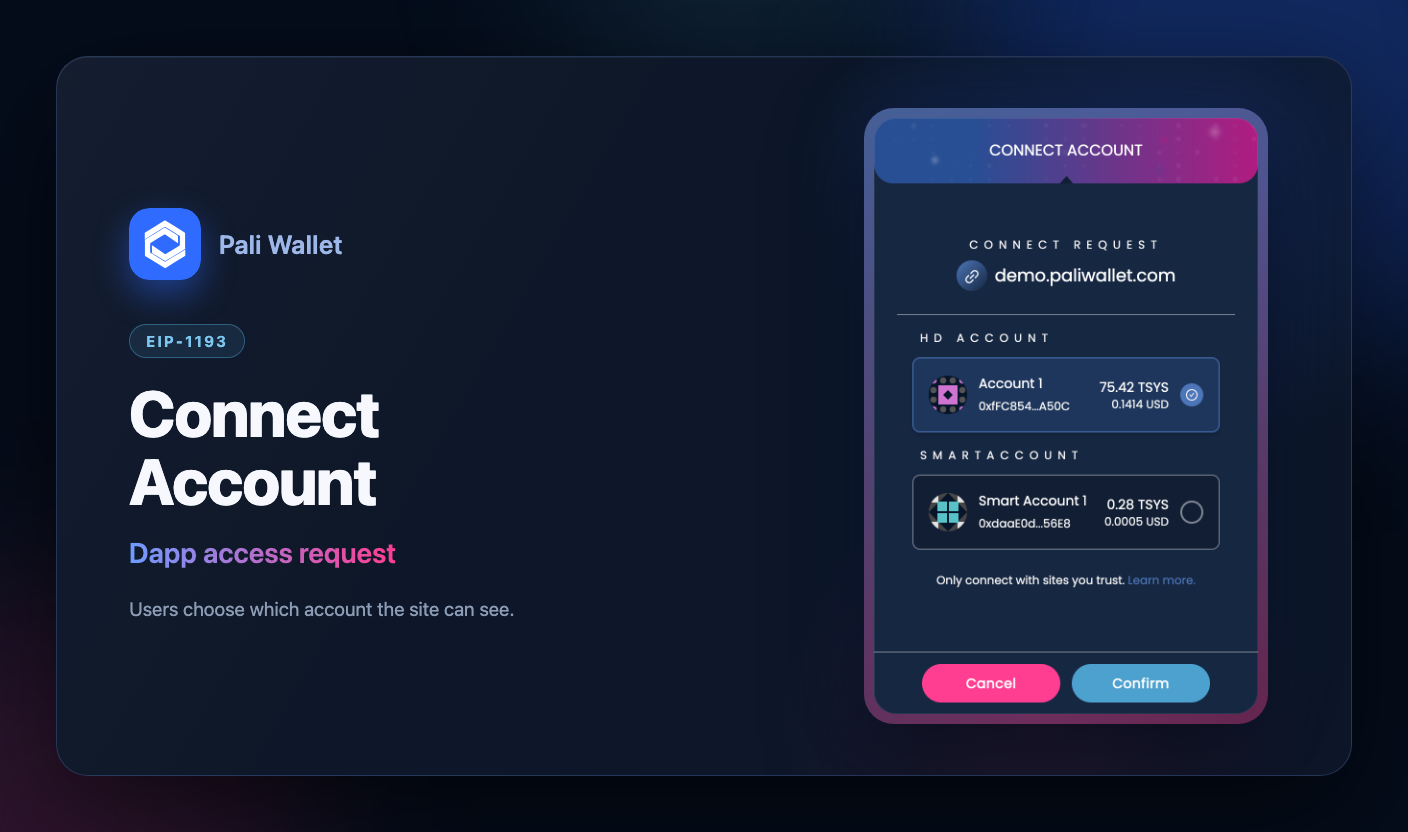
const [address] = await window.ethereum.request({
  method: 'eth_requestAccounts',
  params: [],
});
Connect UTXO accounts
const [address] = await window.pali.request({
  method: 'sys_requestAccounts',
  params: [],
});
Handle rejection and network mismatch
Users can reject connection requests. Pali can also reject a method when the active network is the wrong chain family, such as calling sys_requestAccounts while the wallet is in EVM mode.
try {
  await window.pali.request({ method: 'sys_requestAccounts', params: [] });
} catch (error) {
  if (error.code === 4001) {
    console.log('The user rejected the request.');
  } else {
    console.error('Pali request failed', error);
  }
}
Load a local development build
From the wallet repository:
yarn install
yarn dev:chrome
Then open chrome://extensions, enable Developer Mode, choose Load unpacked, and select the generated build/chrome directory.