Transactions and signing
Use the EVM provider for transactions, personal messages, and typed data.
Send a transaction
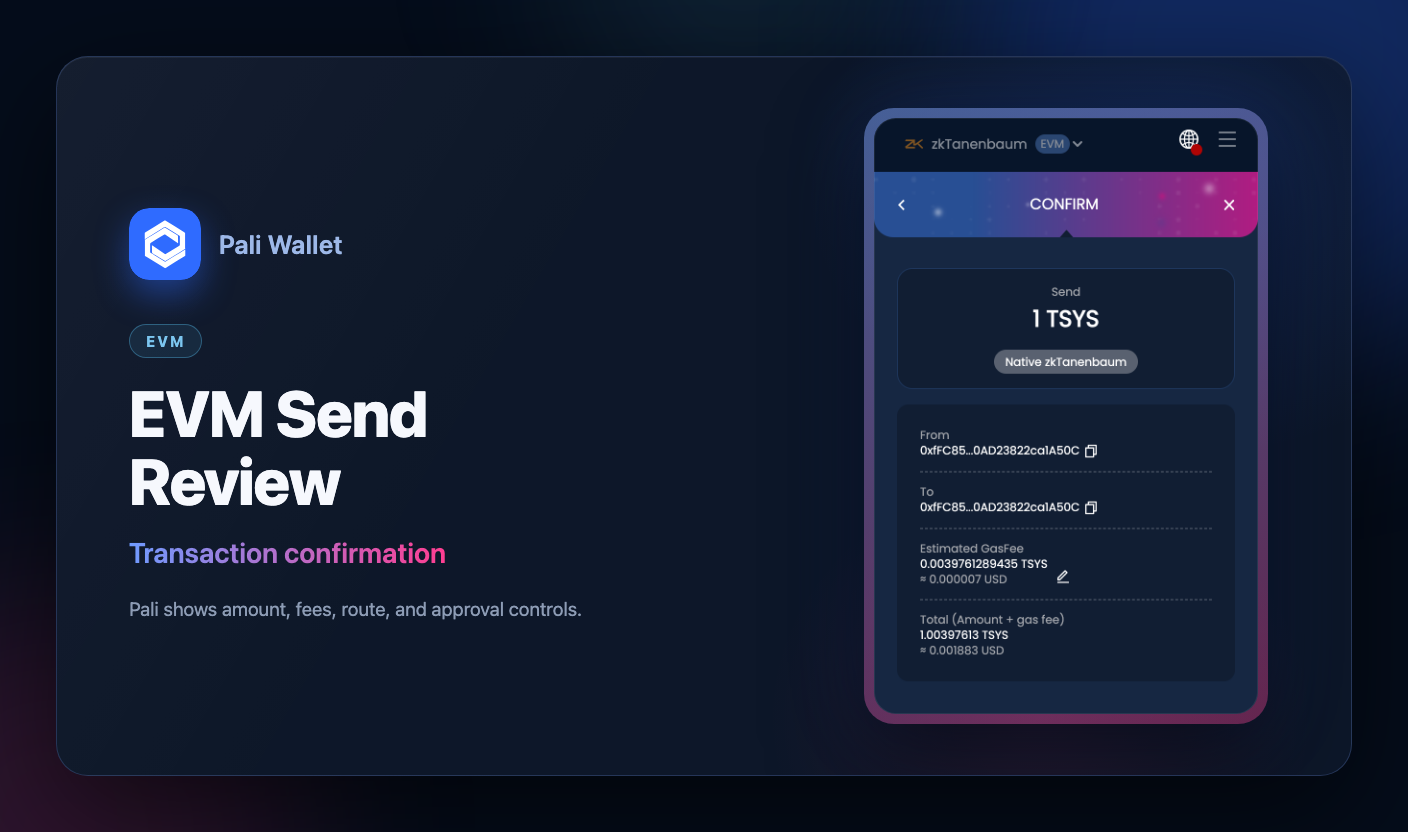
const [from] = await window.ethereum.request({
  method: 'eth_requestAccounts',
});

const hash = await window.ethereum.request({
  method: 'eth_sendTransaction',
  params: [
    {
      from,
      to: '0x0000000000000000000000000000000000000000',
      value: '0x0',
      data: '0x',
    },
  ],
});
Personal sign
const signature = await window.ethereum.request({
  method: 'personal_sign',
  params: ['0x48656c6c6f2050616c69', from],
});
Typed data sign
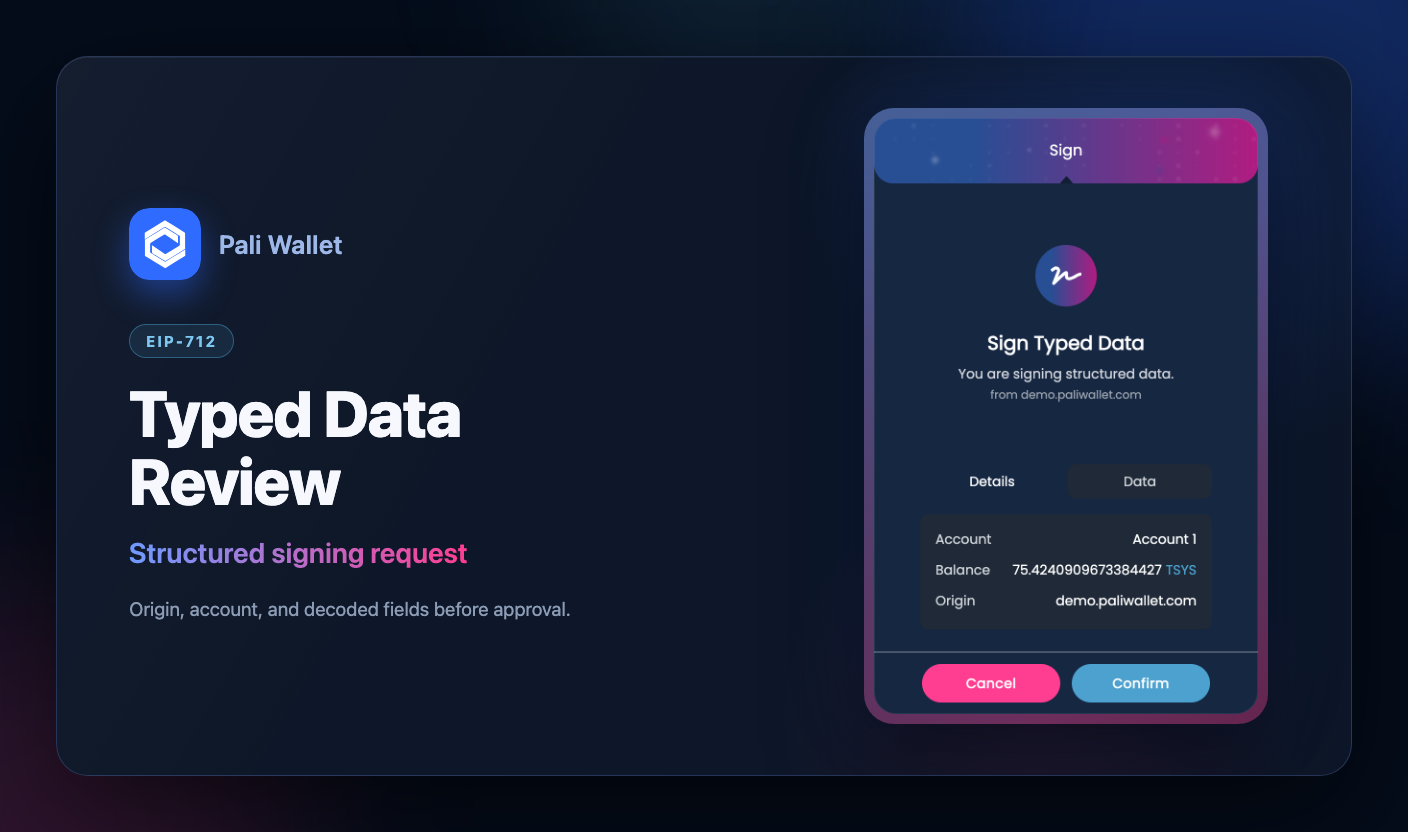
const signature = await window.ethereum.request({
  method: 'eth_signTypedData_v4',
  params: [from, JSON.stringify(typedData)],
});
Pali validates typed data structure before showing the signing popup. Dapps should use canonical EIP-712 JSON and avoid relying on wallet-specific parsing quirks.
Smart accounts and signing
Pali smart accounts approve transactions and signing flows through the active validator module. The user still approves in Pali. If the validator is passkey-based, the browser or operating system also shows a WebAuthn prompt.
For normal transactions and wallet_sendCalls, Pali prepares the smart-account execution, obtains validator authorization over the action hash, checks execution targets against the wallet blacklist, and submits the smart-account transaction.
For passkey-specific eth_signTypedData_v4 requests, Pali can return an ABI-encoded WebAuthn proof for the requested action hash instead of an ECDSA EOA signature. Dapps should use explicit passkey typed-data fields such as actionHash and a passkey-specific primary type, then submit or fund the resulting on-chain transaction themselves.